Dcent cold wallet: features and how it actually works
A DCENT cold wallet is a hardware wallet that generates your private keys inside a certified secure chip and signs transactions there, so the keys never sit on your phone or computer.
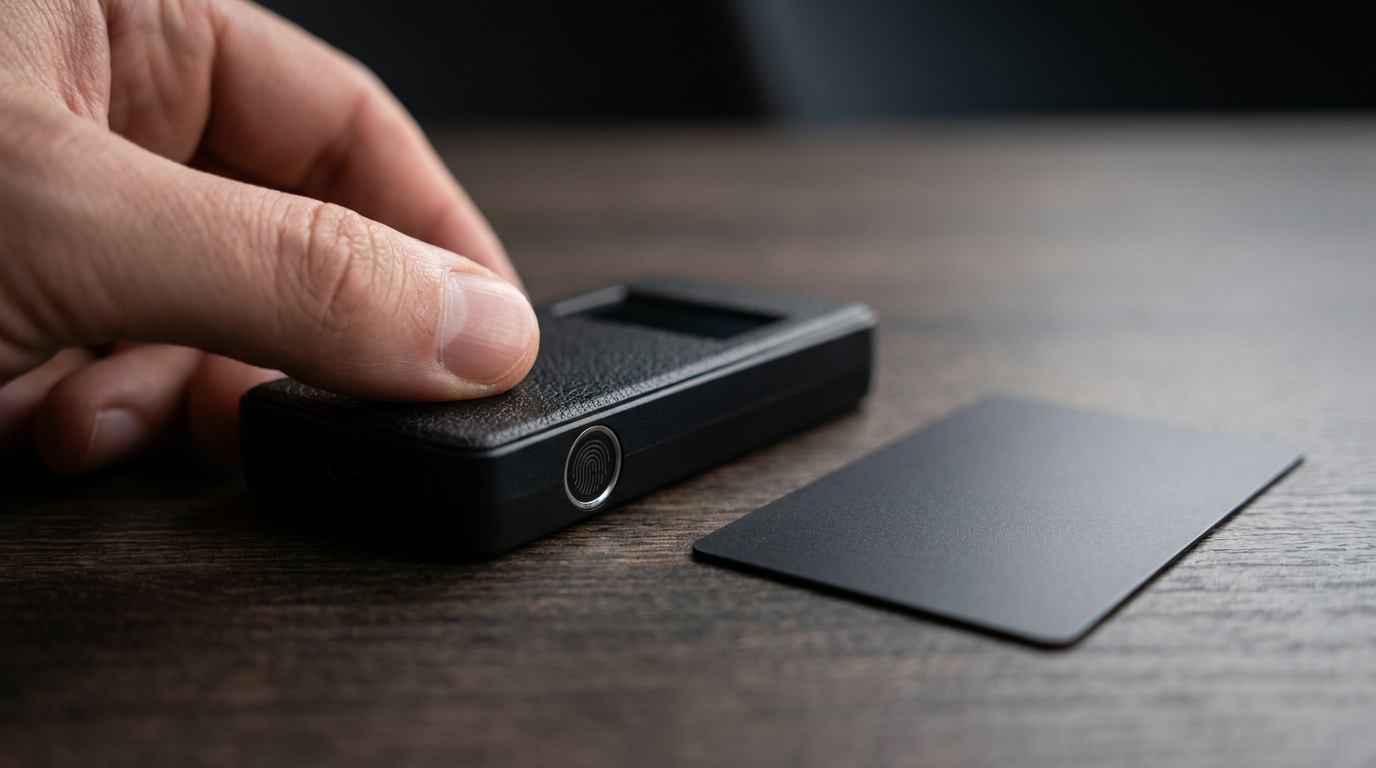
You approve each transfer with a fingerprint or a card tap instead of typing on the device.
The brand was styled D’CENT until a recent rebrand to DCENT. It sells three devices: the fingerprint Biometric Wallet, the touchscreen DCENT X and the battery-free DCENT S card.
Every figure below comes from DCENT’s own store pages as checked on 18 September 2026. Nothing here is a hands-on test or a recommendation to buy.
DCENT models next to a standard USB hardware wallet
The last column is the Ledger Nano S Plus, a typical USB-only device of the kind covered in our cold wallet explainer on offline storage.
| Feature | Biometric Wallet | DCENT X | DCENT S card | Ledger Nano S Plus |
|---|---|---|---|---|
| How you approve | Fingerprint (up to 2), or a 4 to 8 digit PIN | Fingerprint, PIN fallback | NFC tap, PIN protected | 4 to 8 digit PIN, two buttons |
| Connection | Bluetooth LE 4.1, USB-C | Bluetooth 5.0, USB-C | NFC to your phone | USB-C only |
| Power | 530 mAh battery | Built-in battery | No battery | No battery |
| Screen | OLED on device | 2.4 in AMOLED touchscreen | None, uses the phone | 128 x 64 px OLED |
| Secure chip rating | CC EAL5+ | CC EAL6+ | EAL6+ | CC EAL6+ |
| Coverage | 100+ networks, 10,000+ assets | 100+ networks, 10,000+ assets | 100+ chains, 10,000+ tokens | 500+ in the Ledger Wallet app |
| Store price, 18 Sep 2026 | $79 (listed from $159) | $230 | $59 with R3covery card | $59 |
Sources: DCENT Biometric Wallet, DCENT X, DCENT S kit, Ledger Nano S Plus, Ledger PIN setup.
Check the chip row before you buy. The Biometric Wallet uses an EAL5+ chip, while the newer X and S cards list EAL6+, the same rating Ledger quotes.
Video: Melanie Buchholz | Goal – Financial Freedom
How signing works on the fingerprint models
You build the transfer in the DCENT app, then check the address, amount and network on the device’s own screen. A finger on the sensor approves it, and DCENT says the X takes 0.5 seconds to authenticate.
The on-device check is the real protection. DCENT’s X page puts it bluntly: PCs and phones can be hacked, so the final check must happen on the device.
If Bluetooth worries you, DCENT states the link is end-to-end encrypted and carries only public data, while the keys stay on the chip. If you would rather avoid a radio, the Biometric Wallet also connects over USB-C.
The X adds one detail the older model lacks. DCENT says your fingerprint data sits in the same secure chip as your private keys, where even the device’s own software cannot read it.
Firmware is checked for authenticity at every power-on, and repeated failed logins wipe the device back to factory settings.
How the DCENT S card works
The S has no screen and no battery. You create the transaction on your phone and tap the card to its back, and DCENT says signing takes about a second.
The trade-off is that you read the address on your phone, not on separate hardware. The card itself carries an IP69 dust and water rating and a stated operating range of -30 to +50 degrees Celsius.
Backup and recovery
Your fingerprint is not your backup. The Biometric Wallet ships with a recovery sheet for your recovery words, and those words are the only way to restore funds on a new device.
The S kit swaps paper for a second NFC card that stores the 24-word phrase and never signs. Keep the two cards in separate places, because losing both makes recovery difficult.
For how this setup compares with keeping coins on a phone, see hot vs cold wallets for Bitcoin and how secure a hardware wallet is against software wallets.
DCENT cold wallet FAQ
Is the DCENT wallet a real cold wallet?
Yes. DCENT states that keys are generated and stored inside an offline secure chip and that only public data leaves the device when you sign.
Can you use a DCENT wallet without Bluetooth?
The Biometric Wallet lists USB-C alongside Bluetooth LE 4.1. The DCENT S uses NFC only, and the DCENT X lists Bluetooth 5.0 for app pairing.
What happens if someone steals the device?
DCENT says repeated unauthorized login attempts wipe it to factory settings. You then restore on new hardware with your recovery words or R3covery card.