Trezor vs Ledger: which one holds up better?
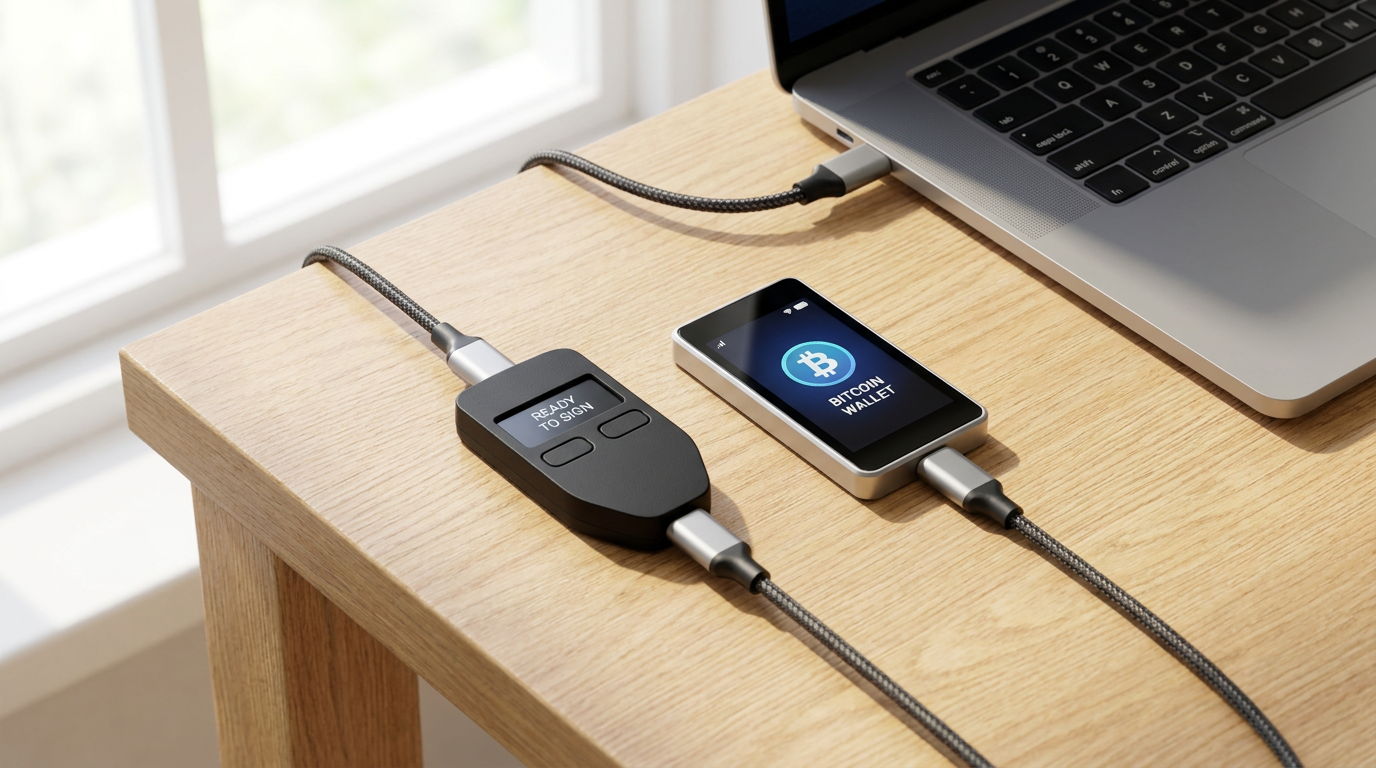
Trezor vs Ledger comes down to how you recover a lost device, how the device shows you a transaction, and whether your coins are on its list. Trezor publishes its code and offers a multi-share backup. Ledger sells a wider range of touchscreens and an optional paid recovery service.
Every spec below comes from the Trezor and Ledger product pages, checked on 2 November 2026. No prices are quoted, because they change by region and promotion.
How each brand lets you recover a lost device
Start with recovery, because a replacement device is easy to buy and a lost backup is gone for good. Trezor lists a 12, 20 or 24-word wallet backup on all three current models, plus an Advanced Multi-share Backup that secures the backup with multiple shares.
The Trezor Safe 7 page also lists two 20-word backup cards in the box. Ledger includes Recovery Sheets and, on the Flex, Stax and Nano Gen5, a Ledger Recovery Key.
Ledger also sells Ledger Recover as an optional extra. Ledger says the digital spare key is created and encrypted inside the Secure Element, then split into three pieces held in hardware security modules run by three independent companies in three countries.
The catch is identity. Ledger states that each encrypted piece is tied to the identity you upload when you subscribe, and that two independent companies verify you before access is restored. If you want a backup with no identity attached, you skip the service and keep the written phrase.
Screens decide how well you can check what you sign
The screen is where you read the address and the amount on the device itself. A tiny screen works, but it makes you scroll through a long address, and that is when people stop reading.
Trezor runs from the 0.96 inch two-button Safe 3 up to the 2.5 inch touchscreen of the Safe 7. Ledger runs from the 1.1 inch OLED of the Nano S Plus and Nano X up to the 3.7 inch Stax, with the Flex at 2.8 inch.
Ledger lists Clear Signing and Transaction Check as features on its comparison page, and describes the second as a way to detect common scams. Read the exact device page before you rely on either.
| Device | Secure element | Screen | Connection | Phone use |
|---|---|---|---|---|
| Trezor Safe 3 | EAL6+ | 0.96 inch monochrome, two buttons | USB-C | Android; limited on iOS |
| Trezor Safe 5 | EAL6+ | 1.54 inch color touchscreen, haptic feedback | USB-C | Android; limited on iOS |
| Trezor Safe 7 | EAL6+ plus a second chip, TROPIC01 | 2.5 inch color touchscreen | USB-C, Bluetooth, Qi2 wireless charging | Android and full iOS |
| Ledger Nano S Plus | EAL6+ | 1.1 inch monochrome OLED | USB | Android 10+, no iOS listed |
| Ledger Nano X | EAL5+ | 1.1 inch monochrome OLED | USB, Bluetooth | Android 10+, iOS 15+ |
| Ledger Flex | EAL6+ | 2.8 inch E Ink touchscreen | USB-C, Bluetooth, NFC | Android 10+, iOS 15+ |
Source: Trezor comparison and product pages, Ledger comparison page, checked 2 November 2026. Prices left out on purpose, they change by region and promotion.
If you want to see what a screen-and-button device is like day to day, our Trezor hardware wallet guide walks through setup on the Trezor side.
Coin lists: the headline numbers do not match
Trezor says it supports thousands of coins and tokens and notes a few exceptions. Ledger says its own Ledger Wallet app handles 500+ coins directly, with thousands more through third-party wallets that work with the device.
Those two figures count different things, so they cannot be compared as they stand. What matters is whether the specific coin you hold works in the app you intend to use.
Mistakes that cost more than the wrong brand
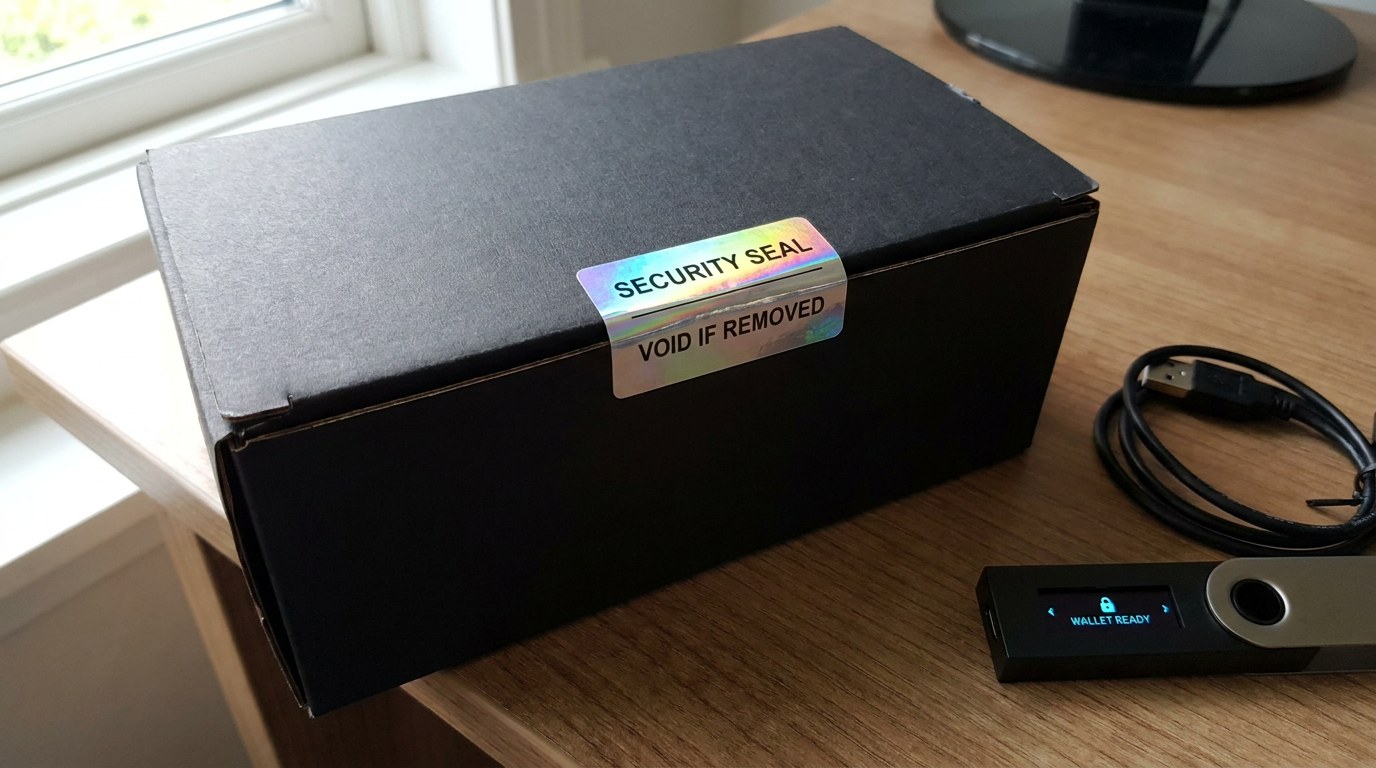
Most losses come from the setup, not the device. The most common one is buying from an unknown marketplace seller. Trezor describes packaging and device security seals as part of its protection, so a box that arrives opened is a reason to send it back.
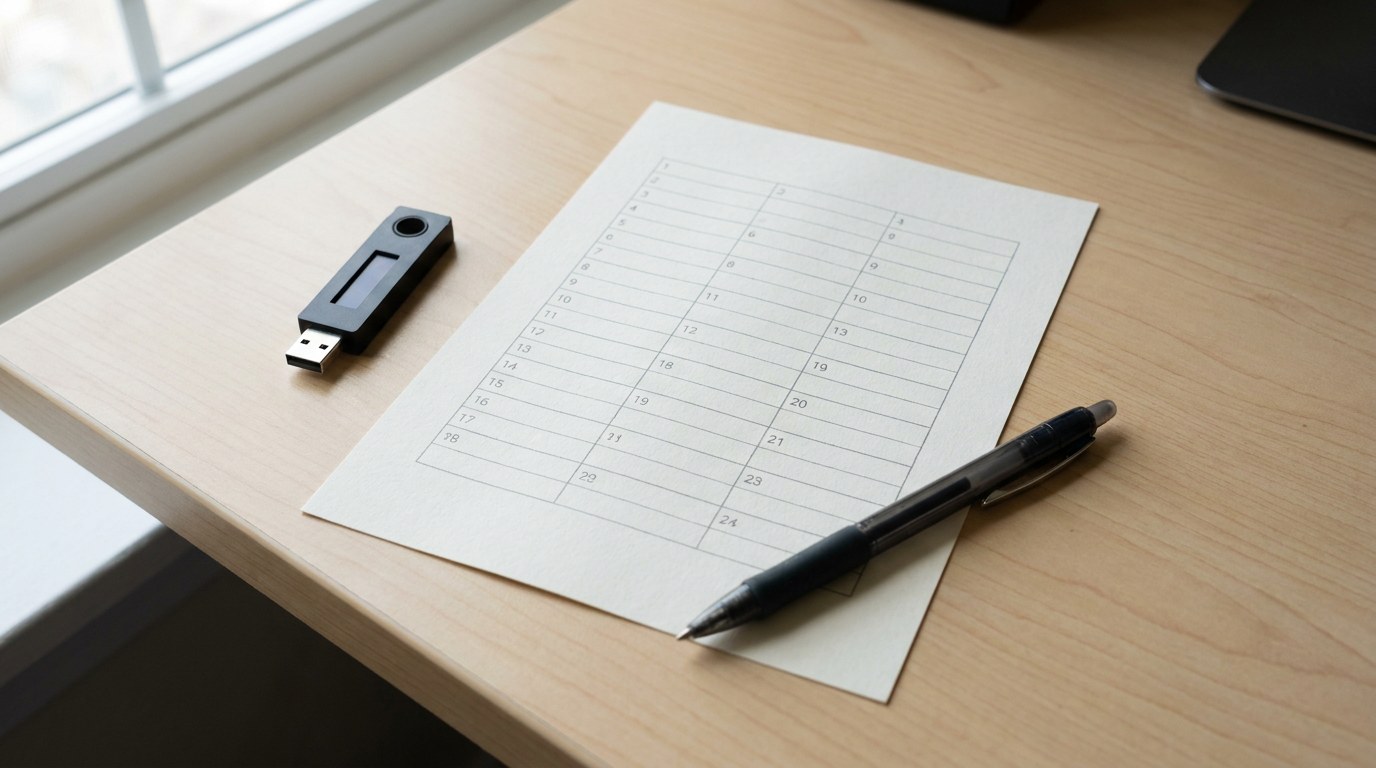
A second mistake is accepting a device that comes with the recovery words already written down. A phrase should be generated on your own device during setup, because anyone who pre-printed one knows it.
The third is choosing on screen size alone and storing the backup beside the device. Our hardware wallet safety checklist covers the buying and storage rules in detail.
The popular advice to just buy the biggest touchscreen also fails if the coin you hold is missing from its app. A large display does not fix a coin the app cannot show.
What you already own changes the answer
Judge the choice against your current setup. A hardware wallet adds a device and a backup that you now have to look after, which is a real cost.
If your holdings sit mostly in one place, the cold wallet vs hot wallet guide helps you decide how much belongs offline at all.
When Trezor fits, and when Ledger fits
There is no single winner, so the split below follows the points that actually differ in the listings of each vendor.
- You want a vendor that lists open-source code on every current model.
- You like the idea of splitting your backup into shares.
- You want a low-cost, two-button device and accept limited iOS support.
- You plan to manage the wallet from a desktop in Trezor Suite.
- You want a large touchscreen with NFC and Bluetooth, as on the Flex.
- You want the option of a managed backup through Ledger Recover.
- You use a phone with iOS 15 or later and want a Bluetooth device.
- You want to pair the device with many third-party wallets.
How to choose between them in six steps
Work through the order below and you avoid the usual regrets.
Do not skip the small test amount. A mistyped address on day one is cheap, and the same error on your whole balance is not.
FAQ
Is Trezor or Ledger better for a first hardware wallet?
Neither is better for everyone. Pick on recovery style and the coins you hold: Trezor if you want open-source code and a multi-share backup, Ledger if you want a larger touchscreen or an optional managed backup.
Do Trezor and Ledger use the same security chip?
Both list an EAL6+ certified Secure Element on most current models. The Ledger Nano X is listed at EAL5+, and the Trezor Safe 7 adds a second chip, TROPIC01, on top of an EAL6+ element.
Can I use a Trezor or Ledger with an iPhone?
It depends on the model. Trezor lists full iOS support for the Safe 7 and limited iOS support for the Safe 5 and Safe 3. Ledger lists iOS 15+ for the Nano X and Flex and shows Android only for the Nano S Plus.
What happens if my hardware wallet breaks?
You restore from your backup onto a replacement device. That is why the backup matters more than the screen or the brand.