Tangem wallet review: is the card worth it?
This Tangem wallet review lands on one answer: the card is worth buying if you want a hardware wallet without a recovery phrase and you will store its backup cards in separate places. It is a poor fit if you want to read transaction details on the device itself.
Everything below comes from Tangem’s own pages plus the Ledger and Trezor product pages, all checked on 29 October 2026. No prices are quoted, because they change by region and promotion.
What the Tangem card actually is
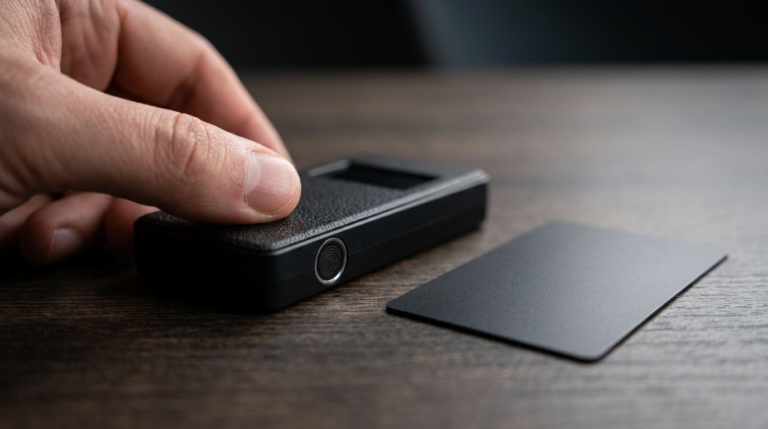
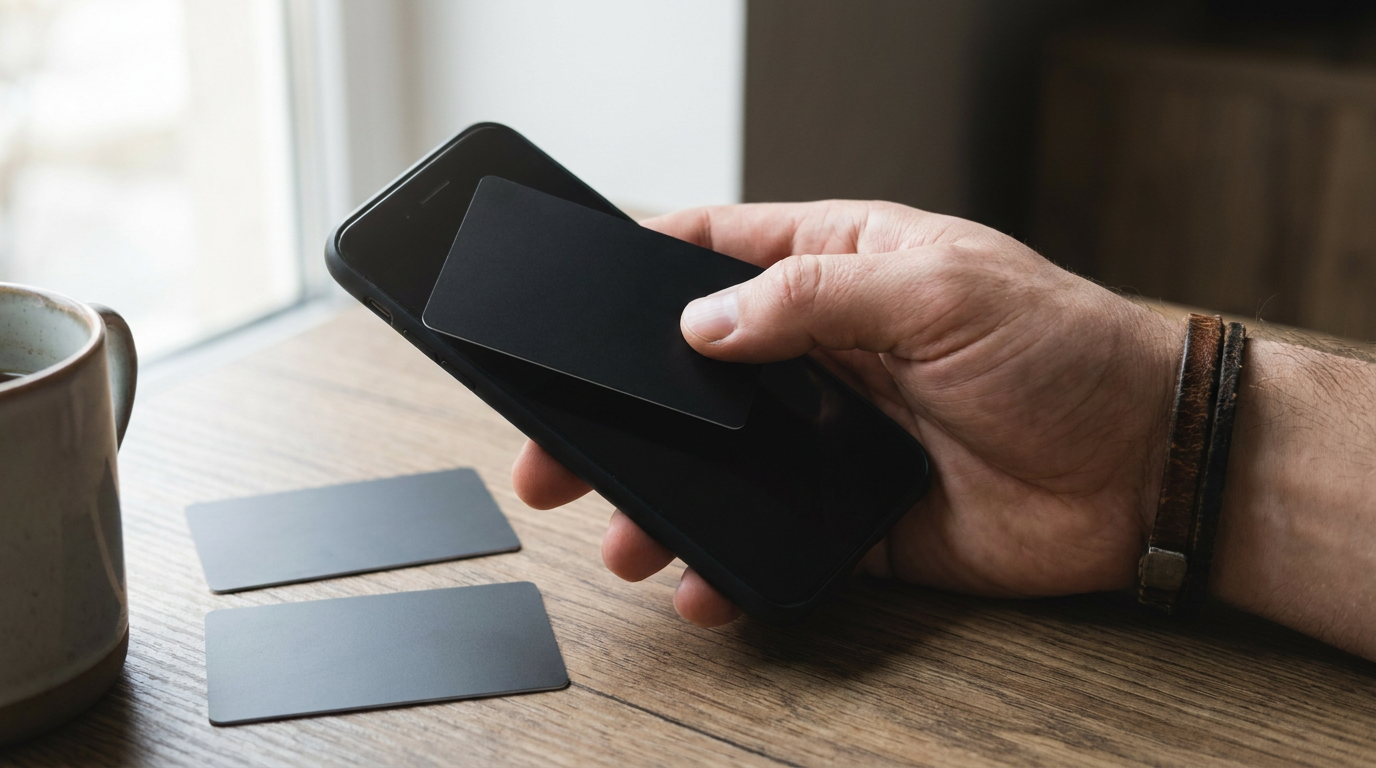
Tangem Wallet is a card that talks to your phone over NFC. It has no screen, no battery and no USB port, and the Tangem app on your phone shows balances and builds transactions.
Tangem says the chip is certified to EAL6+ and that independent labs, Kudelski Security and Riscure, reviewed the firmware. The card is rated IP69K for water and dust, and Tangem backs it with a 25-year limited warranty.
Per Tangem, the wallet handles more than 14,100 tokens across 90 blockchains. The app is open source, and Tangem says it runs no servers that process your transactions.
The key is generated inside the chip with a true random number generator and, Tangem says, never leaves it. You get the cards without a private key on them, so nobody has a copy before you.
How the seedless backup works
The set comes as two or three cards. During setup you copy the key onto the other cards by tapping them to your phone, so every card in the set opens the same wallet.
Tangem calls this seedless, because the default setup creates no 12-word phrase. On the newer Tangem 2.0 cards a seed phrase is optional: you can generate one in the app or import one from another wallet.
Tangem itself warns that seed phrases can be copied and stolen, which is the reason it recommends the chip-generated key. The older Tangem 1.0 cards, sold before September 2023, cannot generate or import a phrase at all.
There is also an access code. It protects the wallet if a card is stolen, and after the sixth wrong attempt the delay between tries grows up to 45 seconds.
Where the Tangem card falls short
The first limit is the screen. The card has none, so you read the receiving address and the amount in the app on your phone, not on the hardware you trust.
The second is the number of cards. Tangem states that with a 2-card set, losing one card and forgetting the access code leaves you unable to reset or recover the wallet. A third card is what makes that reset possible.
The third is your phone. Tangem lists Android 6.0 or newer and iOS 15 or newer with full NFC, except iPhone 6, 6s and the first iPhone SE. It adds that some other models, including the iPhone 7, may not support full NFC, and on those you cannot create the backup.
One more point: the access code is only active when two or three cards are linked to the wallet. Tangem advises making the backups before you put funds on it.
Tangem vs Ledger vs Trezor at a glance
The three differ most in how you confirm a transaction. Ledger and Trezor devices have their own screens and plug in by cable or Bluetooth, while Tangem uses your phone for both display and connection.
| Device | Secure element | Screen | Connection | Assets supported |
|---|---|---|---|---|
| Tangem Wallet (card) | EAL6+ certified chip | None on the card, details shown in the app | NFC through your phone | 14,100+ tokens, 90 blockchains |
| Ledger Nano X | EAL5+ | 1.09 inch OLED | USB-C and Bluetooth | 15,000+ digital assets |
| Ledger Nano S Plus | EAL6+ | 1.1 inch OLED | USB-C | 15,000+ digital assets |
| Trezor Safe 3 | EAL6+ | 0.96 inch OLED | USB-C | Thousands of coins and tokens, per Trezor |
Source: Tangem, Ledger Academy and Trezor product pages, checked 29 October 2026. Prices left out on purpose, they change by region and promotion.
If you are weighing it against a classic device, our Trezor hardware wallet guide explains how a screen-and-button device works day to day. That is the model Tangem trades away for a card you can tap.
Screen or no screen: the real trade-off
A device with its own screen shows the address and amount on hardware that is separate from your phone. Ledger and Trezor both build on that idea, and the table above shows each carries an OLED display.
Tangem takes the other path: fewer parts, nothing to charge, nothing to plug in. You rely on your phone to show the right details, and the card signs only what the app hands it.
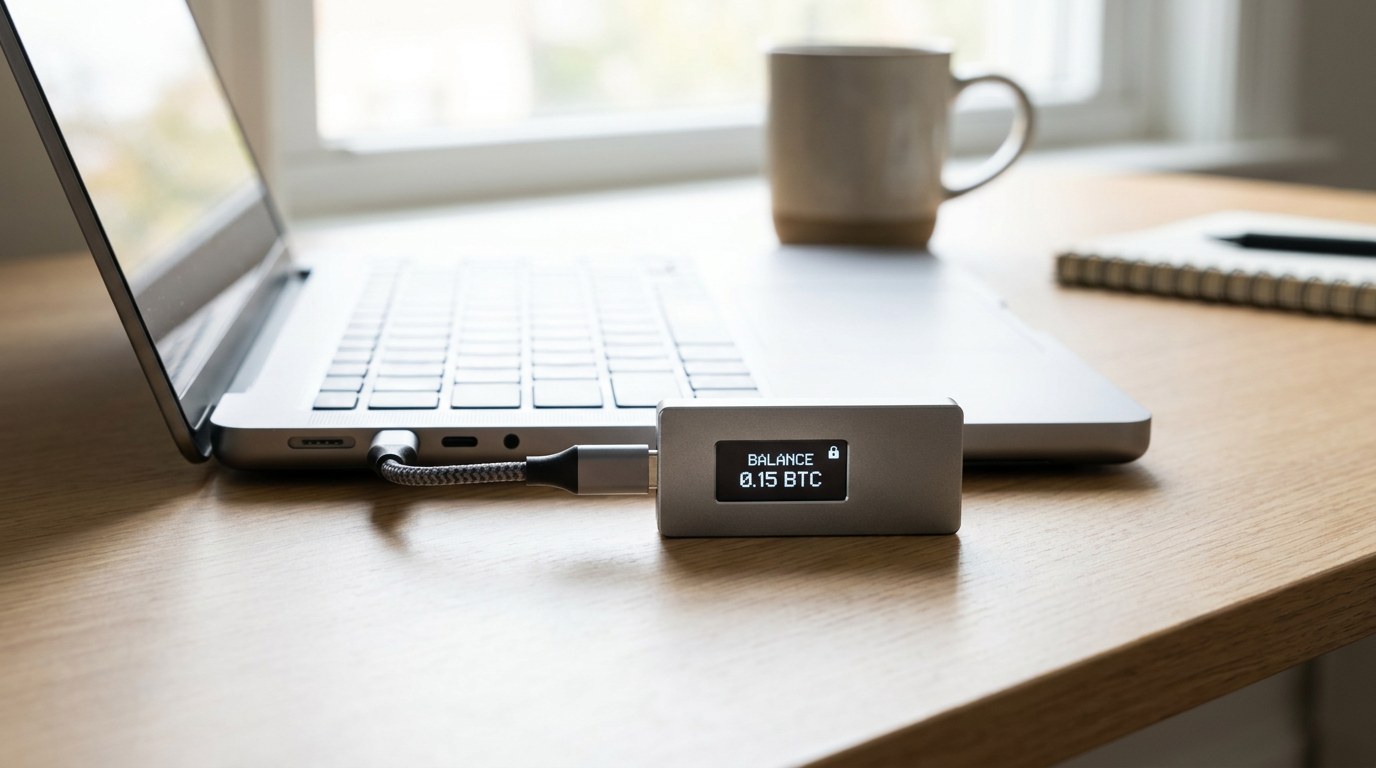
None of this makes Tangem unsafe. It means you are choosing a different place to trust, so read each address before you approve, and send a small test amount first. Our hardware wallet safety comparison covers the same checks for any device.
Who should buy it, and who should skip it
Judge it against what you already own. If you have a Ledger or Trezor and a tested recovery phrase that you trust, a Tangem card gives you a different backup method, not a stronger one by default.
- You want to stop managing a written recovery phrase.
- You will keep each backup card in a separate place.
- You use a phone with full NFC support every day.
- A card in a wallet matters more to you than a screen.
- You want transaction details shown on the device itself.
- You prefer a connection that never goes through a phone.
- You already hold a tested seed backup that works for you.
- You want open-source device firmware, which Trezor publishes for the Safe 3.
If you are sizing how much to move into cold storage at all, run your own numbers in the crypto calculators before you spend anything.
Setting up a Tangem set without mistakes
Most of what goes wrong with this wallet happens in the first ten minutes. Follow the order below and you avoid the common traps.
Do not skip the test amount. A card that fails to open on a second phone is easy to fix on day one, and very hard to fix after the originals are gone.
FAQ
Does the Tangem wallet use a seed phrase?
Not by default. Tangem says the chip generates the key and backups are made by copying it to other cards. On Tangem 2.0 cards a seed phrase is optional, either generated in the app or imported from another wallet.
What happens if I lose a Tangem card?
With a backup card you open the wallet with the remaining card and move the funds to a new wallet. Tangem says losing every card in the set means losing access to the funds.
Can I use Tangem if my phone breaks?
Yes. Tangem says the phone is only a display, so you install the app on any compatible phone and tap the card to get back to your portfolio.
Is a Tangem card safer than a Ledger or Trezor?
It is a different design, not a clear winner. All three publish an EAL-certified chip, but Ledger and Trezor show transaction details on the device, while Tangem shows them in the phone app.